| Processor | • One Intel® Xeon® 6 E-core processor with up to 144 cores |
|---|---|
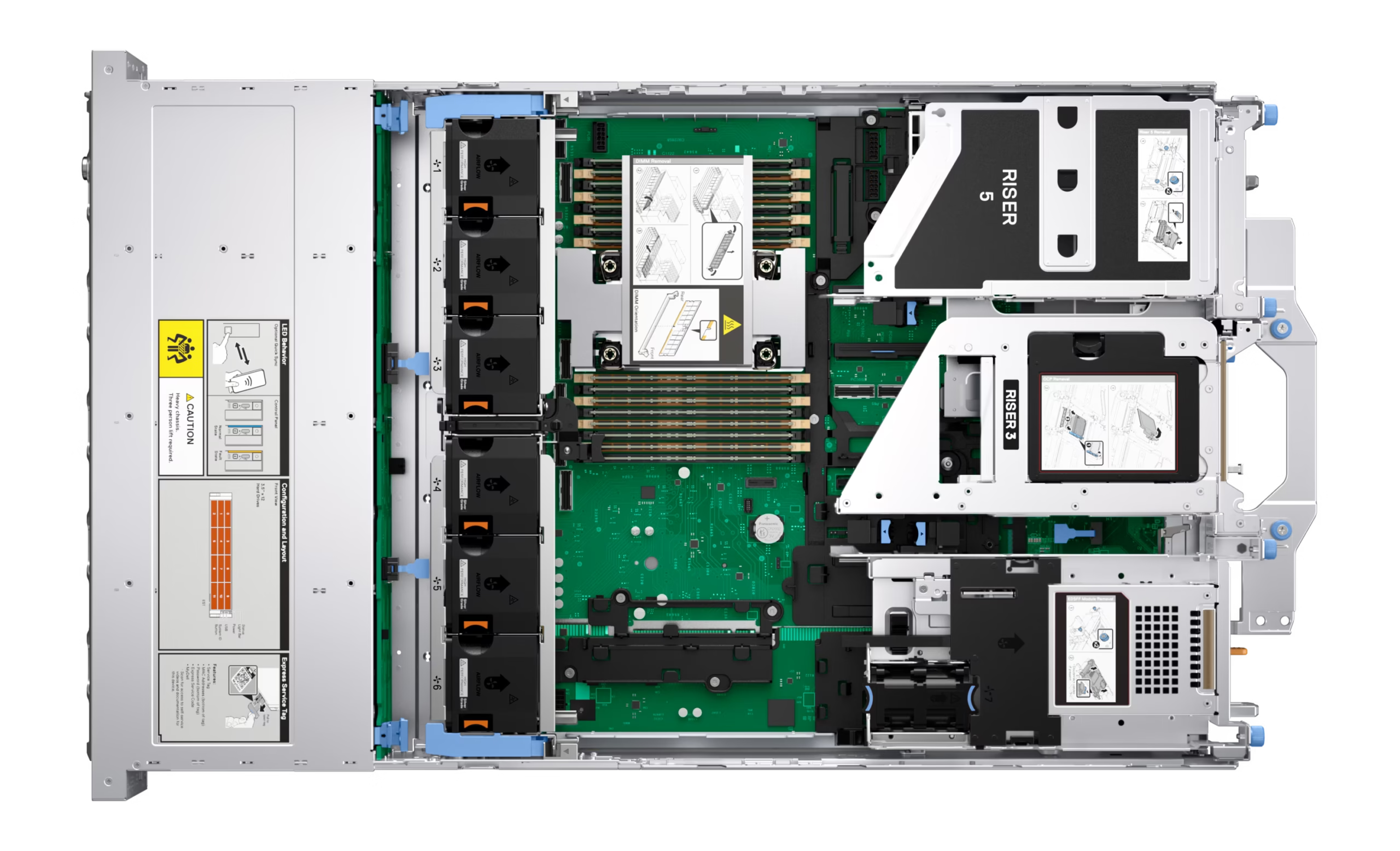
| Memory | • 16 DDR5 DIMM slots, speeds up to 6400 MT/s |
| Storage controllers | • Internal Controllers (RAID): PERC H365i DC- MHS, PERC H965i DC-MH, PERC H365i Adapter PERC H965i Adapter |
| Drive Bays | Front bays: |
| Power Supplies | • 800 W Platinum/ Titanium 100-240 VAC or 240 HVDC, hot swap redundant |
| Cooling Options | Air cooling |
| Fans | • Up to six hot plug fans |
| Dimensions | • Height – 86.8 mm (3.42 inches) |
| Form Factor | 2U rack server |
| Embedded Management | • iDRAC |
| Bezel | Optional security bezel |
| OpenManage Software | • OpenManage Enterprise (OME) |
| Tools | IPMI |
| Integrations and Connections | OpenManage Integrations |
| Change Management | • Dell Repository Manager |
| Security | • Cryptographically signed firmware |
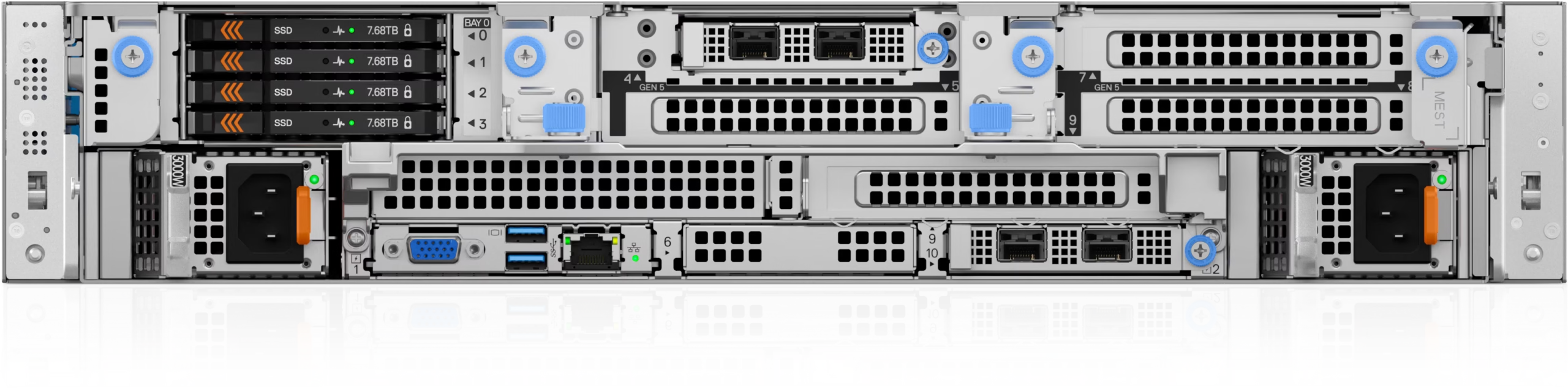
| OCP network options | • Up to two OCP NIC card 3.0: Two slots on the front or two slots on the rear (optional) Slot 4: 1 x16 OCP 3.0 Slot 10: 1 x16 OCP 3.0 Slot 34: 1 x16 OCP 3.0 Slot 38: 1 x16 OCP 3.0 |
| BOSS | Slot 34: 1 x4 BOSS Slot 6: 1 x4 BOSS |
| Embedded NIC | 1 Gb dedicated BMC Ethernet port |
| PCIe Add-in Card (AIC) NIC | NA |
| GPU Options | Up to 3 x 400 W DW; Up to 4 x 75 W SW |
| DPU Options | NVIDIA BlueField-3 2×200 GbE B3220 |
| Ports | Front Ports |
| PCIe slots | Up to six PCIe slots (x16 connector) |
| Gen5 PCIe slots | 4 |
| Operating System and Hypervisors | • Canonical Ubuntu Server LTS |
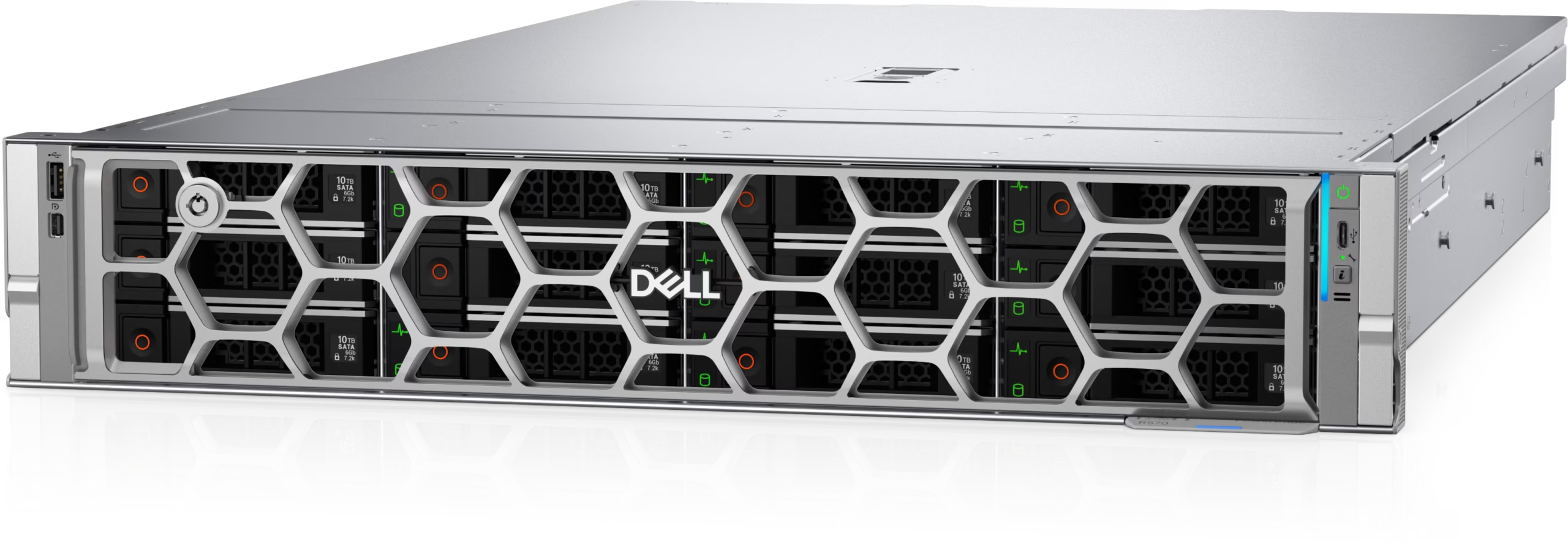
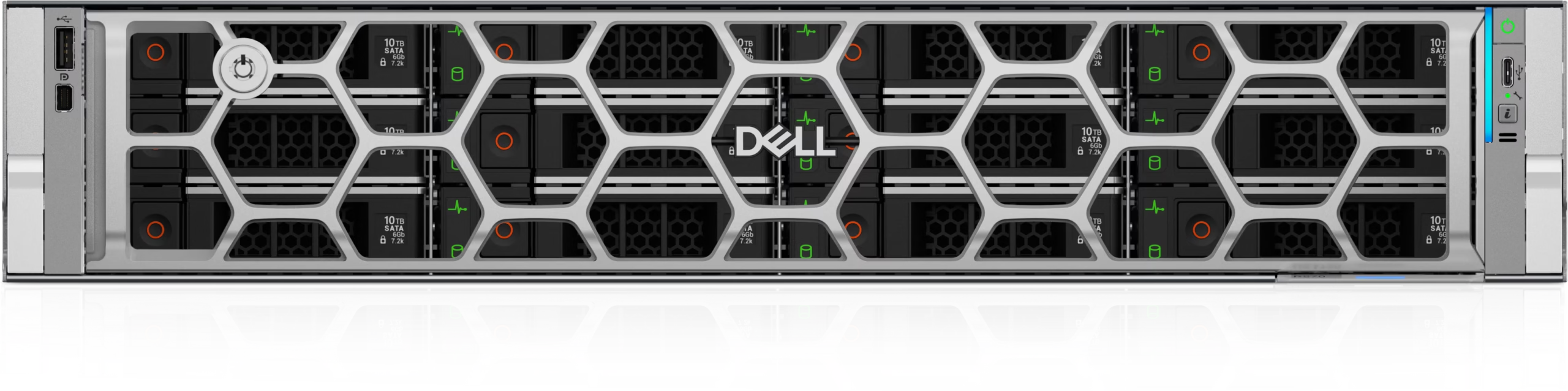
Dell PowerEdge R570
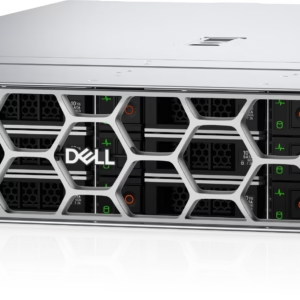
The Dell PowerEdge R570 is a 2U, one-socket rack server engineered for high-performance computing with exceptional power efficiency and balanced performance, driving cost savings and boosting data center productivity.
Dell PowerEdge R570 Overview
Dell PowerEdge R570 is designed for buyers planning a configured enterprise infrastructure deployment. Simple, Scalable and Efficient Solutions The Dell PowerEdge R570 is a 2U, one-socket rack server engineered for high-performance computing with exceptional power efficiency and balanced performance, driving cost savings and boosting data center productivity. GPULoom supplies quotation-based configurations for data-center, cloud, virtualization and business application projects. Because processor, memory, storage, networking, risers, power supplies, firmware, warranty and condition can vary by unit, the exact bill of materials is confirmed before an order or project commitment.
Dell PowerEdge R570 Configuration Highlights
- Processor platform: • One Intel® Xeon® 6 E-core processor with up to 144 cores • One Intel® Xeon® 6 P-core processor with up to 86 cores with R1S option
- Memory: • 16 DDR5 DIMM slots, speeds up to 6400 MT/s • One Intel® Xeon® 6 E-core processor – supports RDIMM 1 TB max • One Intel® Xeon® 6 P-core processor with up to 86 cores with R1S option – supports RDIMM 4 TB max • Supports…
- Storage options: Front bays: • Up to 12 x 3.5-inch SATA (HDD) RAID max 384 TB* • Up to 8 x 2.5-inch NVMe RAID max 491.52 TB • Up to 8 x 2.5-inch NVMe max 491.52 TB • Up to 8 x 2.5-inch SATA max 30.72 TB • Up to 8 x 2.5-inch SATA/ Univers…
- Expansion: Up to six PCIe slots (x16 connector) • Slot 2: 1 x16 Gen5 Full Height, Half Length or 1 x16 Full Height, Full Length • Slot 3: 1 x16 Gen5 Full Height, Half Length • Slot 4: 1 x16 Gen5 Full Height, Half Length or 1 x16 Fu…
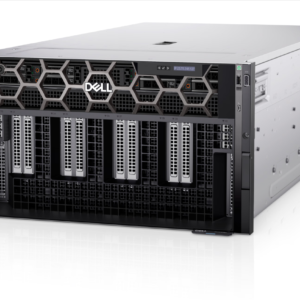
- Accelerator options: Up to 3 x 400 W DW; Up to 4 x 75 W SW
- Form factor: 2U rack server
These capabilities describe the platform and its supported configuration range rather than a guaranteed stock configuration. Buyers should provide the expected workload, required capacity, preferred drive layout, network speed, operating environment and redundancy goals. GPULoom will then confirm compatibility and availability for the requested build.
Processor and Memory Planning
For Dell PowerEdge R570, the available processor information is: • One Intel® Xeon® 6 E-core processor with up to 144 cores • One Intel® Xeon® 6 P-core processor with up to 86 cores with R1S option. CPU choice should be evaluated against application licensing, core count, clock requirements, virtualization density and power limits. A higher core count is not automatically the best choice for every workload, particularly where software licensing or per-core performance affects total cost.
The documented memory information is: • 16 DDR5 DIMM slots, speeds up to 6400 MT/s • One Intel® Xeon® 6 E-core processor – supports RDIMM 1 TB max • One Intel® Xeon® 6 P-core processor with up to 86 cores with R1S option – supports RDIMM 4 TB max • Supports registered ECC DDR5 DIMMs only Supports registered ECC DDR5…. Final memory planning should account for capacity, channel population, module type, rank, speed and future expansion. For clustered or virtualized environments, it is also useful to reserve headroom for failover, maintenance and workload growth rather than sizing only for the initial deployment.
Storage, Networking and Expansion
Storage planning for Dell PowerEdge R570 should start from the required balance of capacity, latency, endurance and serviceability. The current platform data lists: Front bays: • Up to 12 x 3.5-inch SATA (HDD) RAID max 384 TB* • Up to 8 x 2.5-inch NVMe RAID max 491.52 TB • Up to 8 x 2.5-inch NVMe max 491.52 TB • Up to 8 x 2.5-inch SATA max 30.72 TB • Up to 8 x 2.5-inch SATA/ Universal max 491.52 TB • Up to 16 x 2.5-inch SATA RAID max 61.44 TB • Up to 24 x 2.5-i…. Drive-bay support does not by itself guarantee that every backplane, controller, cable, boot device or RAID combination is included, so these items are verified as part of the quotation.
Networking and PCIe requirements should be specified alongside storage because adapters, risers and accelerator choices can compete for slots, lanes, power and cooling capacity. Include required Ethernet speeds, port counts, optics or transceivers, host bus adapters, storage controllers and accelerator models in the request. GPULoom will confirm that the proposed combination fits the selected chassis and power envelope.
Workloads and Deployment Fit
The listed workload positioning includes virtualization, business applications, data services and other enterprise infrastructure workloads selected according to the final configuration. Actual suitability depends on the complete configuration, software stack and performance target. Before choosing a server, compare compute density, memory footprint, local storage, network throughput, rack space, acoustic and thermal limits, and the operational model used by the data center.
This product can be considered for new deployments, capacity expansion, standardized server refreshes and compatible replacement projects. For an existing environment, share the current server model, operating system or hypervisor, storage topology, network design and any application constraints. That information helps reduce configuration risk and makes the quotation more useful.
Management, Security and Lifecycle Considerations
Management planning should cover remote access, monitoring, alerting, firmware baselines and integration with existing administration tools. Available platform information includes: • iDRAC • iDRAC Direct • iDRAC RESTful API with Redfish • RACADM CLI • iDRAC Service Module (iSM). Licensing and feature availability can differ by configuration, so required management capabilities should be named explicitly.
Security planning should include: • Cryptographically signed firmware • Data at Rest Encryption (SEDs with local or external key mgmt) • Secure Boot • Secured Component Verification (Hardware integrity check) • Secure Erase • Silicon Root of Trust • System Lockdown • TPM 2….. Buyers should also define requirements for secure boot, trusted platform modules, drive sanitization, firmware versions, account access, asset records and data-at-rest protection. Warranty coverage, service level, included rails, bezels, power cords and other accessories must be confirmed in the final quotation.
Request a Configured Dell PowerEdge R570 Quote
Use the GPULoom server catalog to compare related systems, or contact GPULoom with the desired processor, memory, storage, networking, accelerator, warranty and delivery destination. Inventory, condition, lead time and included components are confirmed before purchase. For additional platform documentation, consult the official Dell Support portal.
Dell PowerEdge R570 FAQ
Can GPULoom configure Dell PowerEdge R570 for my workload?
Yes. Send the workload, operating system or hypervisor, CPU and memory targets, storage layout, network requirements and delivery country. GPULoom will confirm a compatible configuration and current availability.
Are the listed maximum specifications included?
No. Maximum or supported specifications describe platform capability. The installed processor, memory, drives, controllers, adapters, power supplies, licenses and accessories are confirmed in the quotation.
Can I request specific drives, RAID, NICs or accelerators?
Yes, subject to platform compatibility and inventory. Provide exact part numbers when possible, or describe the required capacity, endurance, interface, port speed and workload.
What should I confirm before ordering?
Confirm the complete bill of materials, condition, warranty, firmware, rails and bezel, power cords, licenses, lead time, shipping terms and destination requirements.