
Two data center GPUs. Both were sold as the fastest thing available when they launched. One holds 80GB of memory inside it, the other 288GB. If you are choosing between them for a language model, the card that can run your workload at all is decided by neither of the numbers at the top of the spec sheet.
Picking an accelerator comes down to three figures, and only one of them is compute. How much memory the card holds. How fast it can move data out of that memory. How the cards talk to each other. Core counts and peak throughput sit downstream of those three – get them wrong, and no amount of headline performance rescues the deployment.
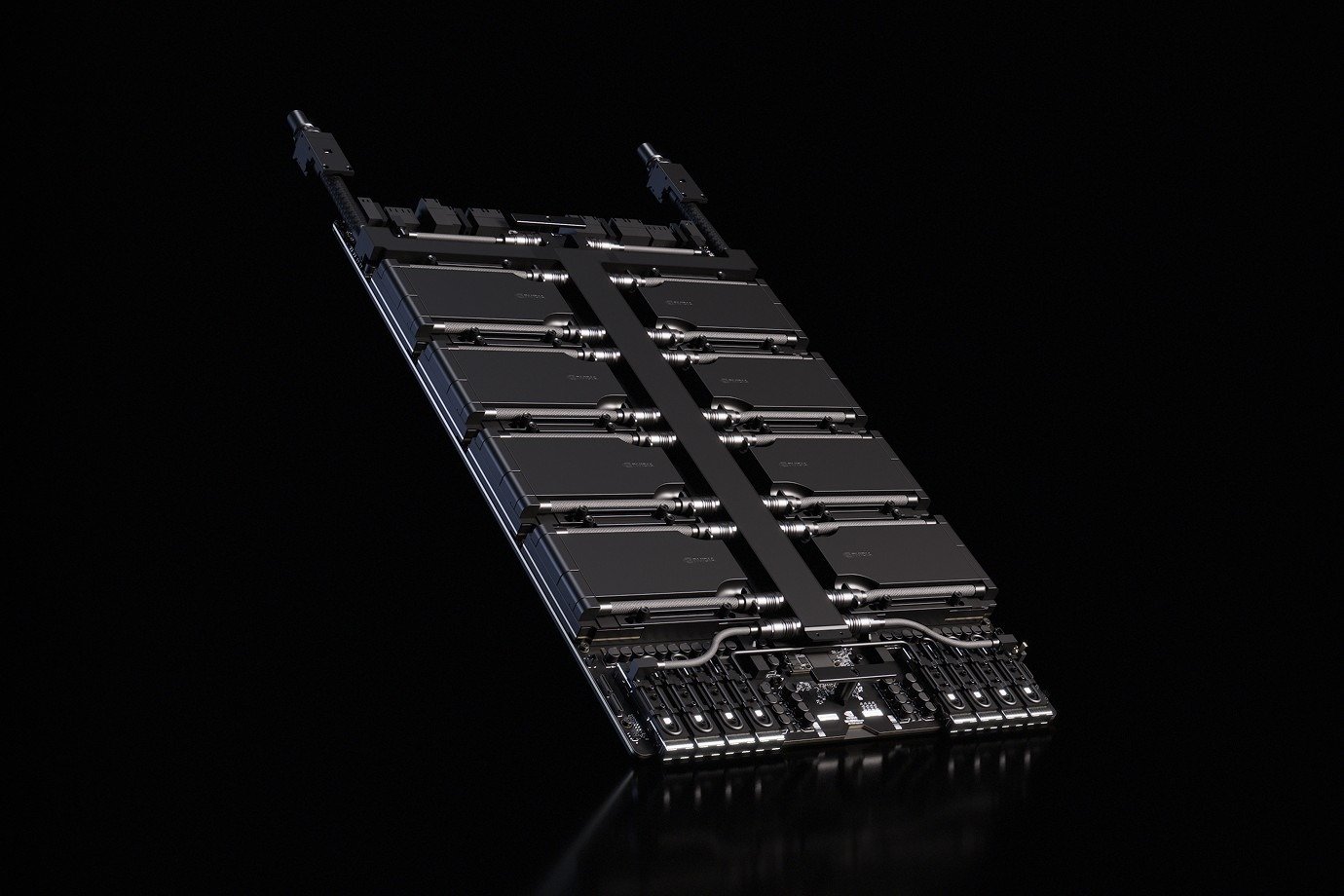
The spec sheet line that decides nothing
Peak FLOPS is the first number anyone compares and the last one that matters. It describes a chip running a dense matrix multiply out of cache, with nothing waiting on memory. Almost no real workload looks like that.
What decides whether a model runs is much simpler. It is whether it fits.
For training, budget roughly sixteen bytes of memory per parameter under mixed-precision Adam – two for the weights, two for gradients, four for optimizer state, and multiples of that again for activations. A seven-billion-parameter model that reads like a 14GB problem becomes a 112GB one before activations are counted at all.
Inference is kinder arithmetic and a harder constraint. Weights at half precision cost two bytes per parameter, so the same 7B model needs 14GB just to exist in memory. Then the KV cache grows with every token of context you serve, and it is held per concurrent request. This is why a 16GB card that “fits” a 7B model starts failing the moment real traffic arrives, and why 24GB is the practical floor for that class of model.
A seventy-billion-parameter model at half precision wants 140GB of weights before anything else is loaded. It does not fit on any single card on this page. It fits across two 80GB cards, or on one 141GB H200, or with quantization on something smaller – and that one line of arithmetic has probably settled more GPU purchases than every benchmark ever published.
Bandwidth is the number you should be comparing
This is the part worth two minutes, because it explains how two cards with identical compute end up roughly forty percent apart in inference speed.
Generating text is not compute-bound. It is memory-bound. To produce a single token, every weight in the model has to be read out of memory and passed through the compute units, and the tensor cores spend most of their time waiting for data to arrive.
That gives a ceiling you can work out before buying anything: memory bandwidth divided by the size of the model in memory is the maximum number of tokens per second, for a single stream. Batching lifts the real figure well above it, because one pass over the weights serves every request in the batch – but the ratio between cards does not change. On a 7B model at half precision, that is 14GB of weights:
| Card | Memory bandwidth | Single-stream ceiling |
|---|---|---|
| H100 SXM | 3.35 TB/s | ~239 tokens/s |
| H200 SXM | 4.8 TB/s | ~342 tokens/s |
| B300 | 8 TB/s | ~571 tokens/s |
Those are ceilings, not promises. Plan on half to two-thirds of them once batching, context length and scheduler overhead are in the picture. But the ratios hold, and they explain the entire Hopper generation.
The H100 and the H200 are the same compute die. Same tensor cores, same FP8 throughput. The H200 is faster at inference for two reasons only: 4.8 terabytes per second instead of 3.35, and 141GB instead of 80. If the workload is memory-bound – and language models are – that is roughly a third more throughput per card, plus the ability to serve longer context without falling back to sharding across devices.
Three generations, all still shipping
The market does not retire a generation when the next one launches. Ampere, Hopper and Blackwell are all in production and all still being bought, for different reasons. This is the whole current landscape in one view:
| Architecture | Card | Memory | Bandwidth | Power | Where it fits |
|---|---|---|---|---|---|
| Ampere | A100 SXM4 | 80GB HBM2e | 2.0 TB/s | 400W | The cheapest way into a mature CUDA stack |
| Ampere | A100 PCIe | 80GB HBM2e | 1.9 TB/s | 300W | Same silicon, standard slot, slightly less bandwidth |
| Hopper | H100 SXM5 | 80GB HBM3 | 3.35 TB/s | 700W | The training workhorse of the last cycle |
| Hopper | H100 NVL | 94GB HBM3 | 3.9 TB/s | 400W | Sold in pairs – see below |
| Hopper | H200 SXM5 | 141GB HBM3e | 4.8 TB/s | 700W | Same compute as H100, more room and more bandwidth |
| Blackwell | B200 | 180GB HBM3e | 8 TB/s | 1000W | FP4 support, several times H100 inference throughput in practice |
| Blackwell | B300 | 288GB HBM3e | 8 TB/s | 1100W | The current ceiling in volume production |
| Ada | L4 | 24GB GDDR6 | 300 GB/s | 72W | Power-constrained inference, video transcoding |
| Ada | L40 / L40S | 48GB GDDR6 | 864 GB/s | 300W / 350W | Visual AI and mid-size models |
| CDNA 3 | MI300X | 192GB HBM3 | 5.3 TB/s | 750W | Capacity per dollar, ROCm software stack |
| CDNA 4 | MI325X | 256GB HBM3E | 6 TB/s | 1000W | More memory than any Hopper part, and more than B200 |
One more generation is arriving as this is written. Vera Rubin entered production in 2026 with 288GB of HBM4 and roughly 22 terabytes per second per GPU – about 2.7 times the bandwidth of B300 – with partner systems reaching the market through the second half of the year. It is worth knowing about when you plan a refresh cycle. It is not a reason to delay a purchase today, because B200 and B300 capacity is available now and the software around Rubin is still settling.
SXM, PCIe and OAM: the same chip in three bodies
This is the most commonly skipped step in a GPU purchase and the most expensive one to get wrong. The card on the invoice and the card that goes into the chassis are not always the same object.
SXM and OAM are not slots. The accelerator mounts onto a baseboard – on the NVIDIA side an HGX board carrying four or eight GPUs – and talks to its neighbours over NVLink at up to 900 GB/s on Hopper and 1.8 TB/s on Blackwell. You cannot buy an SXM card and install it into a server that was not built for it, and you cannot mix baseboard generations. The eight-GPU baseboard is a platform purchase in its own right.
PCIe cards are self-contained and fit a standard slot, which makes them far simpler to deploy. The trade is interconnect. Without NVLink, communication between cards runs over PCIe, where topology and lane allocation decide how much of your GPU count you actually get to use. Eight PCIe accelerators behind a poorly designed switch complex can behave like four.
The awkward case in the table above is the H100 NVL. It is a PCIe-format card, but it is built and sold in pairs – two cards joined by an NVLink bridge to form a single 188GB memory domain. Quoting one H100 NVL for a workload that expects 94GB of addressable memory will not work, and this catches people out regularly.
The practical consequence: for anything above two accelerators, settle the platform before the card. Eight SXM GPUs imply a baseboard, and the chassis, power and cooling that come with it.
Not every accelerator holds HBM
The L40S carries 48GB of GDDR6 with 864 GB/s of bandwidth, and it is often described as an A100 replacement. It is not one. Set it against an A100 at 80GB and roughly 2 TB/s and the memory bandwidth gap is more than twofold.
What it is instead: a card with a graphics pipeline, a modest power envelope and 48GB of memory, built for visual AI workloads – video analytics, rendering, digital humans – and for serving small and mid-size models where bandwidth is not the binding constraint. Its smaller sibling, the L4, does the same job at 72 watts with 24GB, and is hard to beat for power-constrained inference nodes and transcoding.
The test is simple. If your model sits comfortably inside 48GB and your traffic does not need long context or heavy batching, a card like the L40S is a sensible purchase. If it does, bandwidth becomes the wall – and no amount of tuning moves a wall.
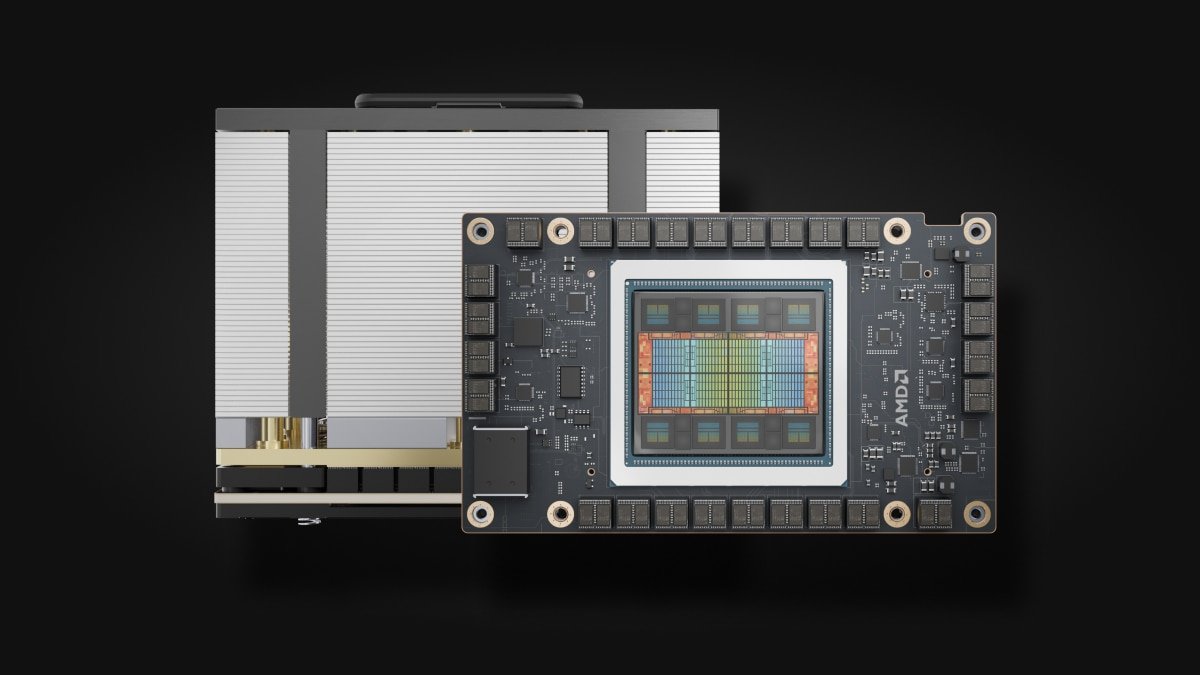
The AMD question
AMD’s Instinct accelerators occupy a different part of the market. The MI300X carries 192GB of HBM3 at 5.3 TB/s; the MI325X carries 256GB of HBM3E at 6 TB/s. Both offer more memory capacity for a given price than their NVIDIA contemporaries, and capacity is precisely the constraint that decides whether a large model runs at all.
The variable is software. Instinct runs ROCm rather than CUDA, and for most organizations that is the real decision – and it is answered by testing, not by reading a specification table. The order that works: list the stack that actually has to run, including framework versions, inference server, quantization libraries and anything carrying a custom kernel. Confirm which ROCm release the specific OEM platform is validated for. Run the real workload at the real precision and batch size. Then cost the migration honestly, including the ongoing maintenance of a second toolchain if the estate ends up mixed.
None of that is an argument against the platform. It is an argument for validating before committing, the same way you would before standardising on any new part number.
What to confirm before you order
- Form factor. SXM, OAM or PCIe. This decides what the card can physically go into, and it is the single most common reason a purchase cannot be deployed.
- Baseboard and interconnect. Four or eight GPUs per board, which NVLink generation, and whether the chassis you already own accepts it.
- Power, counted at the rack. A single B300-class accelerator draws over a kilowatt. Eight of them, plus CPUs and drives, is a facilities problem rather than a component decision.
- Memory headroom, not memory capacity. Check that the model and its KV cache fit, with room for the context length you actually serve – not the one in the demo.
- Cooling design. Above roughly 700 watts per accelerator, air cooling becomes a design constraint, and 1400-watt parts arrive as liquid-cooled systems. Confirm what the facility can support before the quote is signed.
- The platform feeding them. Eight accelerators need enough PCIe lanes, memory channels and CPU cores to keep them busy. A GPU that spends its time waiting on the host is the most expensive way to underperform.
- Condition and warranty. Factory sealed, factory recertified and tested clean pulls are all legitimate, at different prices and different warranty positions.
That last point is worth dwelling on, because the accelerator half of a GPU server is only as fast as the platform around it. Working out how many memory channels and PCIe lanes a chassis actually provides is a separate exercise, governed by the processor choice rather than the card – our guide to server processors covers how those two numbers decide what a GPU can be fed.
The short version
Capacity first – pick the card whose memory holds your model plus the context you actually serve. Bandwidth second – it sets the speed of every generated token, and it is where most of the generational gains live. Compute third – it decides how fast training runs, and it matters least in an inference deployment.
Then settle the form factor, because that decision cannot be fixed afterwards. And read the power figure as a facilities question rather than a specification.
Most of the money lost on accelerators is not lost on the wrong card. It is lost on the right card, in the wrong body, for a model that does not fit in the first place.
Prefer to browse first? Start from our GPU accelerator catalog.