
If you are buying a general-purpose 2U server and nothing about the workload is unusual, buy the R760. That is what it is for. Two sockets, 2U, enough drive bays for most jobs, enough PCIe for most cards, and a memory ceiling most projects never reach.
Dell also makes three other versions with the same badge: R760xs, R760xd2 and R760xa. They are not upgrades or better models. They are the same idea bent in one direction, and you only want one of them when something specific in the workload forces the choice. Most of the time it does not.
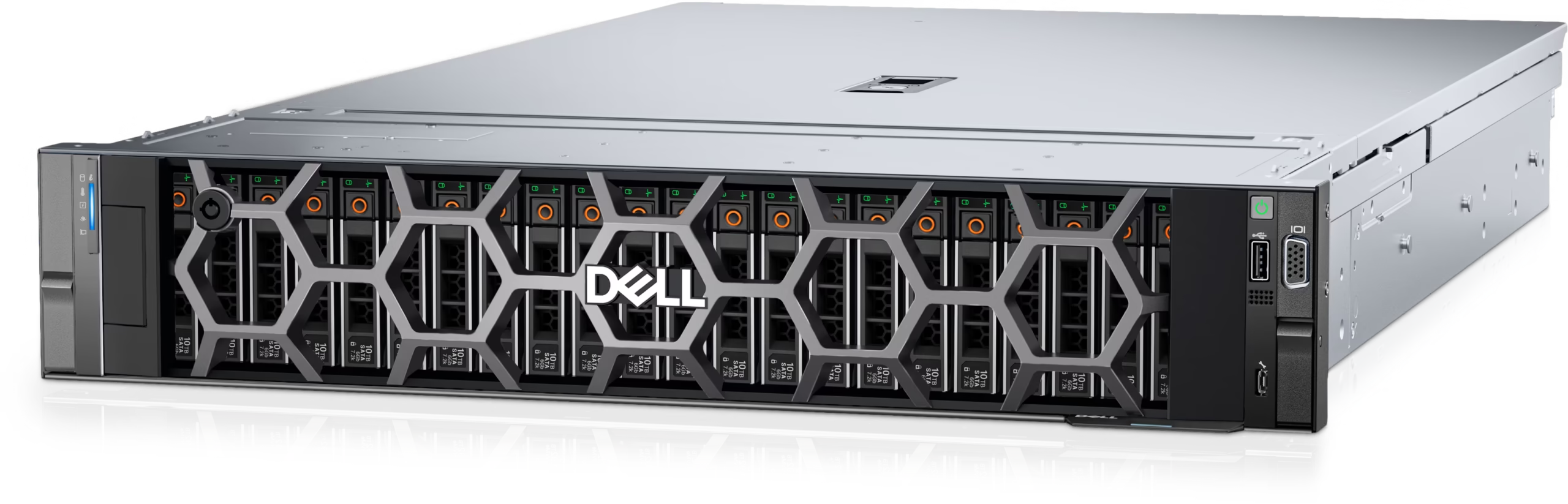
What the R760 gives you
Two sockets for 4th or 5th Gen Xeon Scalable, 32 DDR5 memory slots, up to 24 × 2.5″ NVMe or 12 × 3.5″ drives, and four Gen5 slots or eight Gen4 depending on the risers you order. It will take two 350 W double-width GPUs, which is enough for inference, video transcoding or a pair of accelerators sitting next to the CPUs. iDRAC9 for management, the usual Dell security stack, and power supplies from 800 W up to 1800 W for ordinary builds.
That covers virtualisation clusters, database servers, application servers, small private clouds, and most of what people mean when they say “we need a couple of boxes for the new system”. It is not the cheapest 2U Dell sells and it is not the densest. It is the one that does not need a justification.
Two things about the R760 are worth knowing before you configure it, because both change what the server can do later.
The drive bays are decided by the backplane, not the model. The chassis will take 24 drives; the backplane you order decides whether it actually does. A 12-bay build and a 24-bay build are different backplanes, different cabling, often a different RAID controller. If you might grow into more drives, say so at quote time, because retrofitting a backplane is not a small job.
The PCIe slots are decided by the risers. The platform supports up to four Gen5 or up to eight Gen4, and the riser set on the order determines which of those you get. Two servers with identical part numbers on the invoice can have different slot counts. If a quote does not name the risers, it does not fully describe the server.
The three exceptions
R760xs exists for one reason: not everyone fills 32 memory slots. It has 16 DIMM slots instead of 32, eight NVMe instead of 24, two Gen5 slots instead of four, and it takes single-width accelerators only. If you are building VM hosts that will run at half their memory capacity for their whole life, this is the sensible buy. If there is any chance the workload grows, it is the wrong buy, and the mistake is invisible until the day you need the memory.
R760xd2 is a storage server in a 2U box. Twelve 3.5″ drives in the front, another twelve in the middle, 24 disks, no external shelves. The cost is Gen5 (there is none) and GPU support (one 180 W card). For file serving, object storage, video recording or backup targets, neither matters much. For anything that needs fast expansion or compute, they do.
R760xa is for machines where the GPUs are the reason the server exists. Twelve Gen5 slots, four 400 W double-width cards, 32 memory slots. The standard R760 will take two 350 W cards; four 400 W cards do not fit and cannot be cooled, which is what the xa is for. If the GPUs are an accessory rather than the workload, it is money spent on space you will not use.
A rough way to think about it: the R760 is the answer, and the other three are answers to questions you should be able to state in one sentence. “We need 24 spindles in 2U.” “We need four 400 W cards.” “We will never fill half the memory.” If you cannot state it, you probably want the standard one.
Before you order
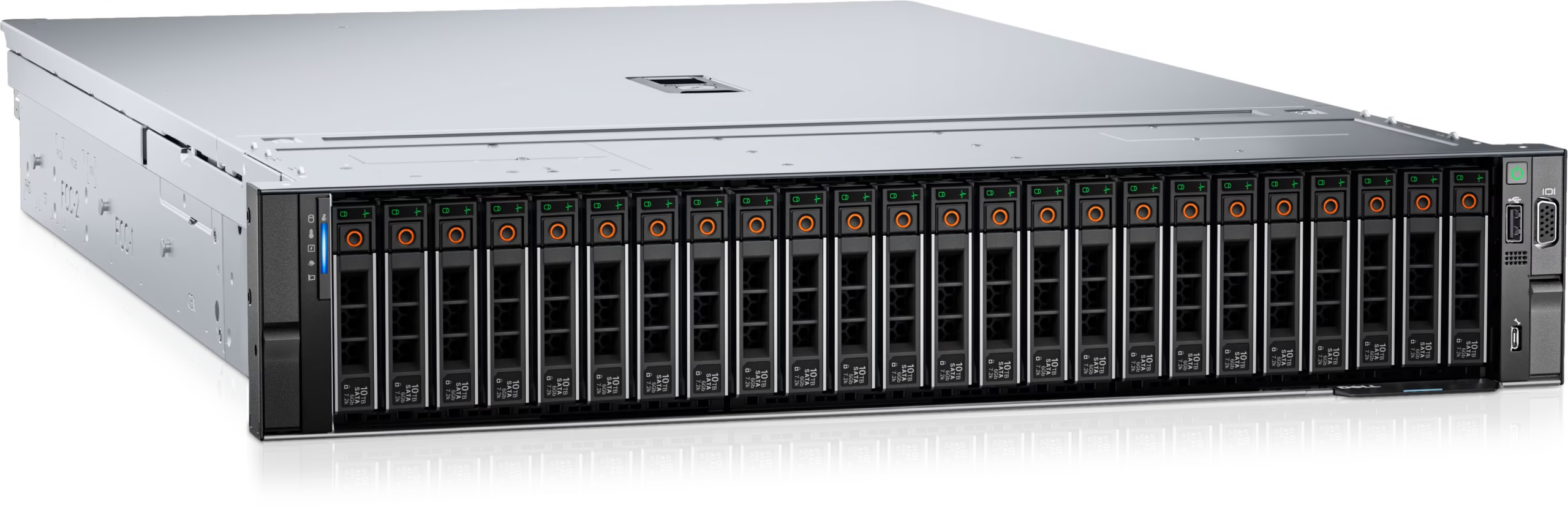
Memory slot count is the difference people miss. 32 slots in the standard R760 and the xa, 16 in the xs and xd2. If the plan is to start at 512 GB and grow to 2 TB on the same chassis, that single number decides which model you can buy.
CPU generation matters for older chassis. A 5th Gen Xeon can need a BIOS level that a chassis built earlier does not have. That is why CPU choice is confirmed per build rather than quoted as “R760 plus Xeon”.
Power supplies follow the configuration. 800 to 1800 W covers most builds; once double-width GPUs are in, it climbs to 2400 W and above. On refurbished units, check the firmware level, check that the iDRAC licence is still bound to the service tag, and check that the cables match the backplane. None of it takes long.
What moves the price
Two R760 quotes can differ a lot without anyone lying. The usual reasons: the CPU generation and core count, how the memory is populated (all channels at rated speed is a different purchase from half the slots now), the backplane and RAID controller, the network cards, and the power supply and warranty tier.
Ask for the bill of materials with part numbers. “24-bay NVMe R760” is not something anyone can build from, and it hides exactly the decisions that matter.
When the R760 is not the answer
If the workload is short of cores or memory bandwidth, the R7725 with EPYC 9005 is the conversation to have. If you want the newest Intel platform, that is the R770. If rack space is the constraint, a 1U R660 does more than most people expect. Four sockets or very large memory is the R860 and R960. Eight GPUs is an HGX system, not an R760 with a bigger power supply.
Questions we get
Does it take both 4th and 5th Gen Xeon?
Yes, subject to the chassis and BIOS level. We confirm the exact SKU per build.
How many drives will it hold?
Whatever the backplane supports: 8 to 24 × 2.5″ NVMe, or 12 × 3.5″. Rear bays and E3.S are options.
Is it still worth buying now that 17th gen is out?
For most workloads, yes. The platform is mature and 16th gen pricing is better. It depends how long you plan to run it.
R760 or R760xs?
32 memory slots instead of 16, more NVMe, more Gen5, and it takes double-width GPUs. The xs is cheaper and fine for hosts that will never be full.
Can I mix drive types?
Usually, within what the backplane and controller support. It needs checking per configuration.
If you want a quote
Send the workload, the capacity you need, the drive layout, the network speed and the redundancy you are aiming for. We will come back with a configuration. Processor, memory, storage, networking, risers, power, firmware, warranty and condition are confirmed in the bill of materials before anything is ordered.