Data Center Hardware Upgrade Checklist
Infrastructure upgrade guide
Data Center Hardware Upgrade Checklist
Reduce part-number errors and downtime with a system-level inventory, compatibility and installation plan.
Inventory before you order
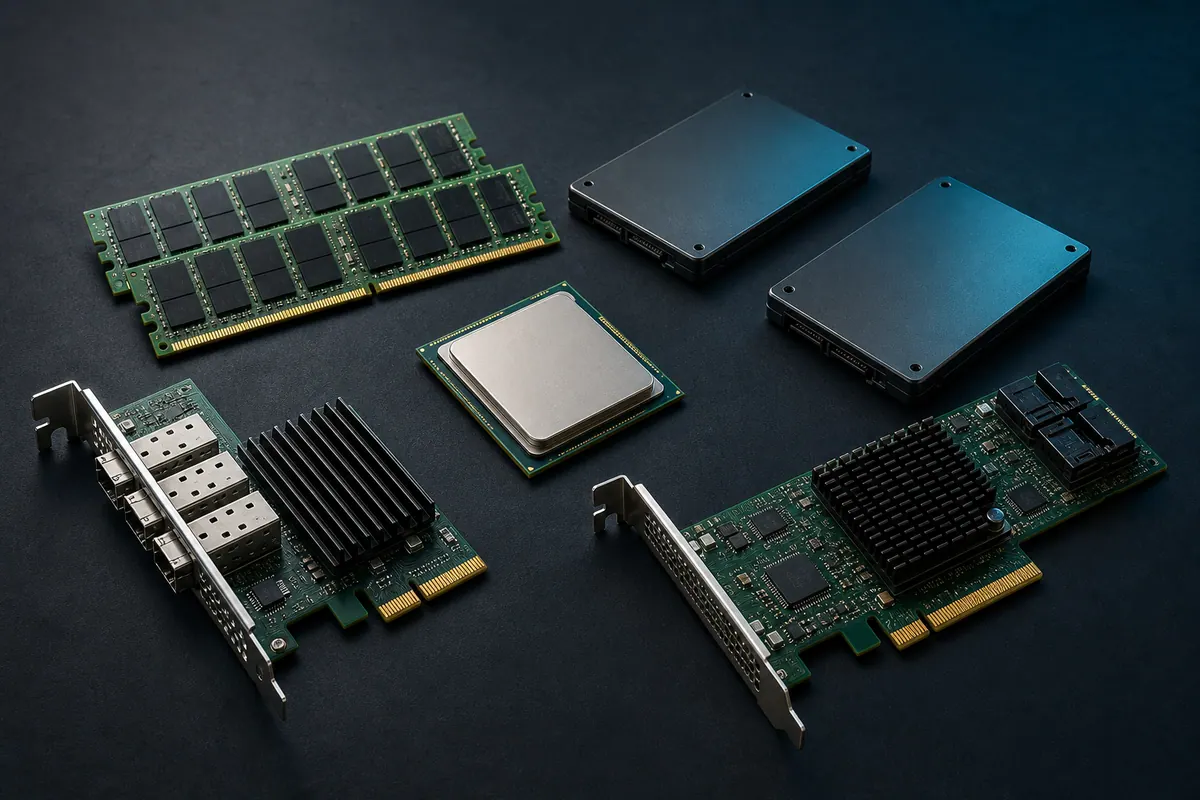
Start with an accurate record of server and storage model, machine type or service tag, serial number, firmware level, operating system or hypervisor, installed processors, DIMMs, drives, controllers, adapters, power supplies and free slots. Photos of labels and management-console screenshots often prevent part-number mistakes.
Compatibility is a system-level question
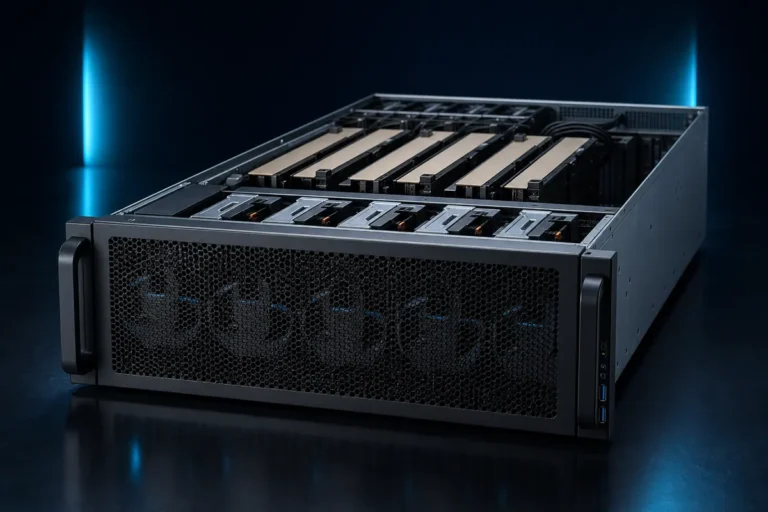
A component can match physically and still be unsupported. Memory speed may downclock depending on CPU and DIMM population. NVMe support can require a specific backplane, cable or controller. Network adapters depend on risers, firmware and optics. GPU upgrades add power, thermal, slot-width and cable constraints. Verify the complete configuration rather than relying on a single part number.
Plan the maintenance window
- Back up configuration and critical data.
- Record firmware and driver versions.
- Confirm rollback parts and recovery access.
- Stage firmware and compatibility documentation.
- Schedule application owners and technical staff.
- Run health, performance and redundancy checks after installation.
Capacity and resilience checks
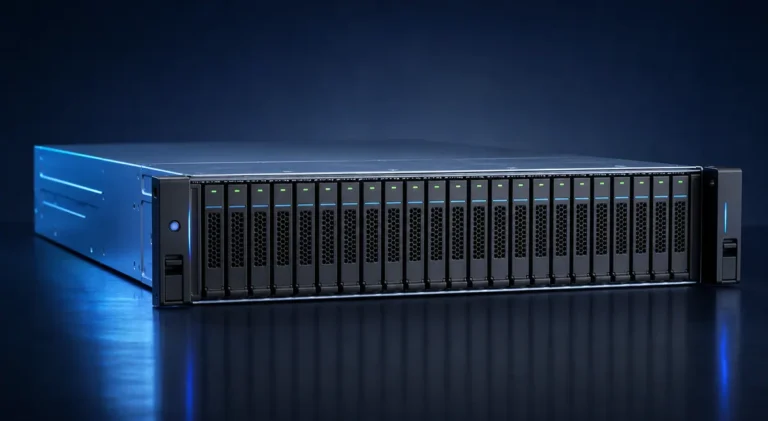
For storage upgrades, calculate usable capacity after RAID or erasure protection, hot spares and filesystem overhead. Confirm that rebuild time and failure-domain design remain acceptable. For server memory, use a balanced population plan across processor channels. For power supplies, verify redundancy and facility circuit capacity.
Create a normalized bill of materials
Every quotation should show exact model or part number, quantity, condition, included accessories, warranty, lead time and shipping scope. Normalize these fields before comparing suppliers. Ask whether rails, cables, transceivers, drive carriers and licenses are included—small omissions can stop an installation.
Information to include in an upgrade inquiry
- System model and serial or service tag.
- Current installed configuration.
- Desired capacity or performance outcome.
- Required part condition and warranty.
- Quantity, destination and required delivery date.
- Photos or management exports when available.
Browse server components and upgrades or use our model search.
This guide is for procurement planning. Final specifications, compatibility and warranty terms must be verified against the selected manufacturer configuration and bill of materials.